
Areas of practice / TPD and IP claims
Lost super search: find your super and cover
Most people hold TPD and income protection cover through their super, often in accounts from jobs they left years ago. Before we can check your cover, we need to know every fund you hold. myGov lists them in about a minute.
Step by step
-
Log in to myGov and open the ATO
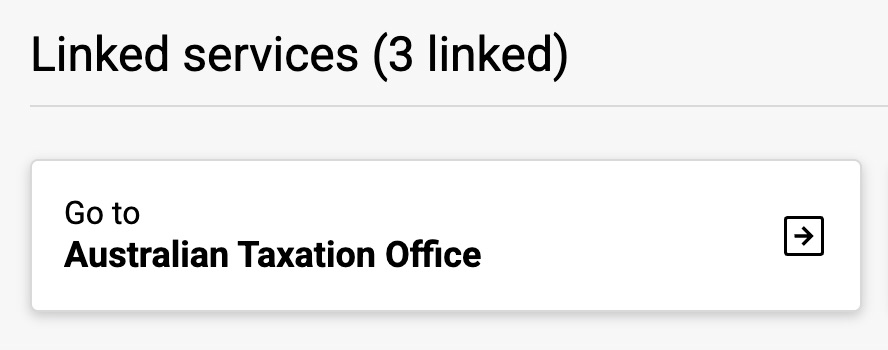
Under Linked services, select Australian Taxation Office. If the ATO is not linked yet, myGov will walk you through linking it.
-
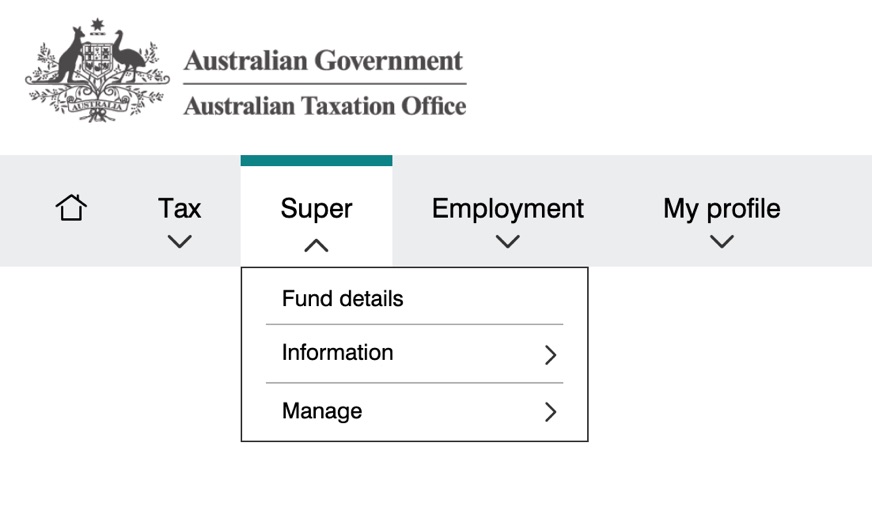
Select Super, then Fund details
In the ATO menu along the top, open Super and choose Fund details.
-
Open each fund
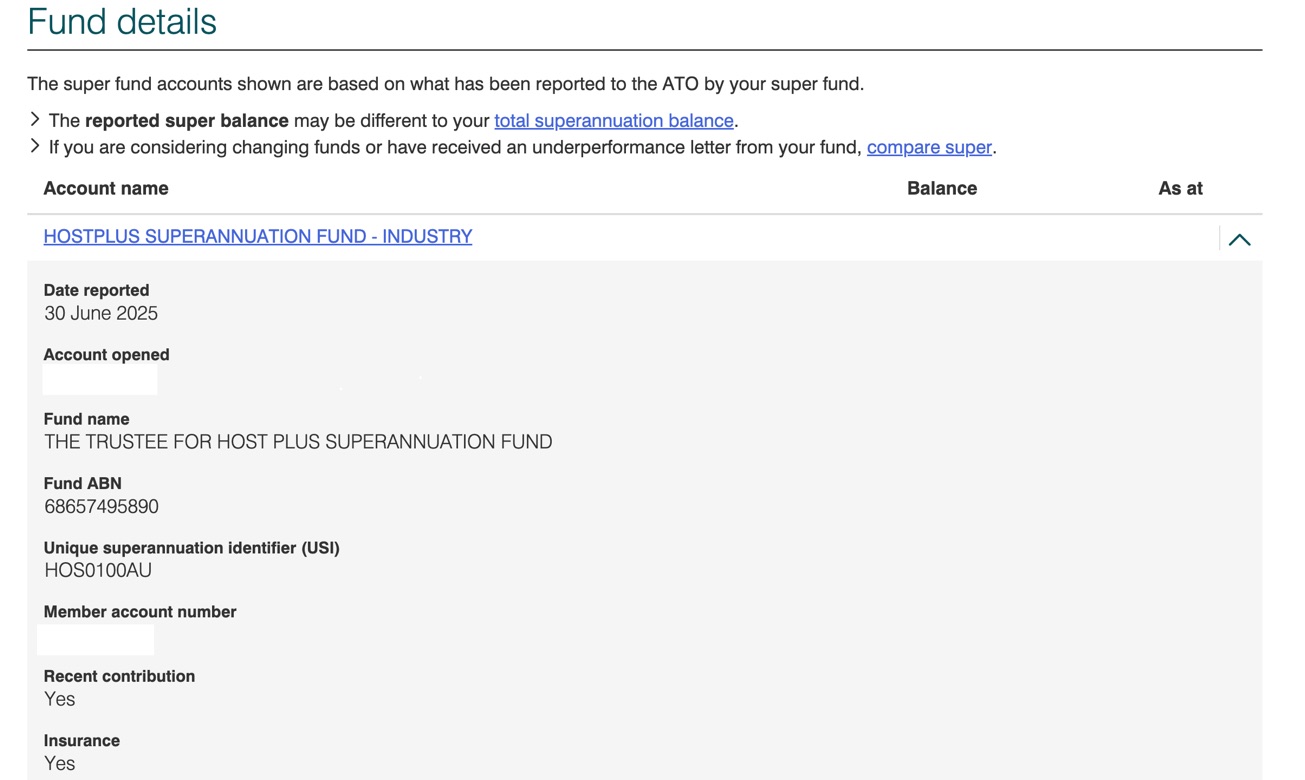
Select the small arrow next to each fund. It shows the fund name and your member account number, and whether the account has insurance.
-
Check closed accounts too
Expand the section headed Closed accounts, or similar. An old fund may still be listed there.
Then send us a screenshot
A screenshot of the Fund details page, with each fund opened, gives us what we need to check your cover. Contact us or start with the entitlement check.
Cannot get into myGov?
Call the ATO lost super search self service line on 13 28 65. Have ready your tax file number, your name and any previous names, your date of birth, your current postal address and any previous addresses, and your employment and visa details if they apply.
If you cannot find your tax file number, call the ATO individual enquiries line on 13 28 61, Monday to Friday, 8am to 6pm.
Keep a copy
Download the guide, or send this page to yourself or a family member.